Distinctive Number Distinctive Numbers
SAR 250-3,500
Used


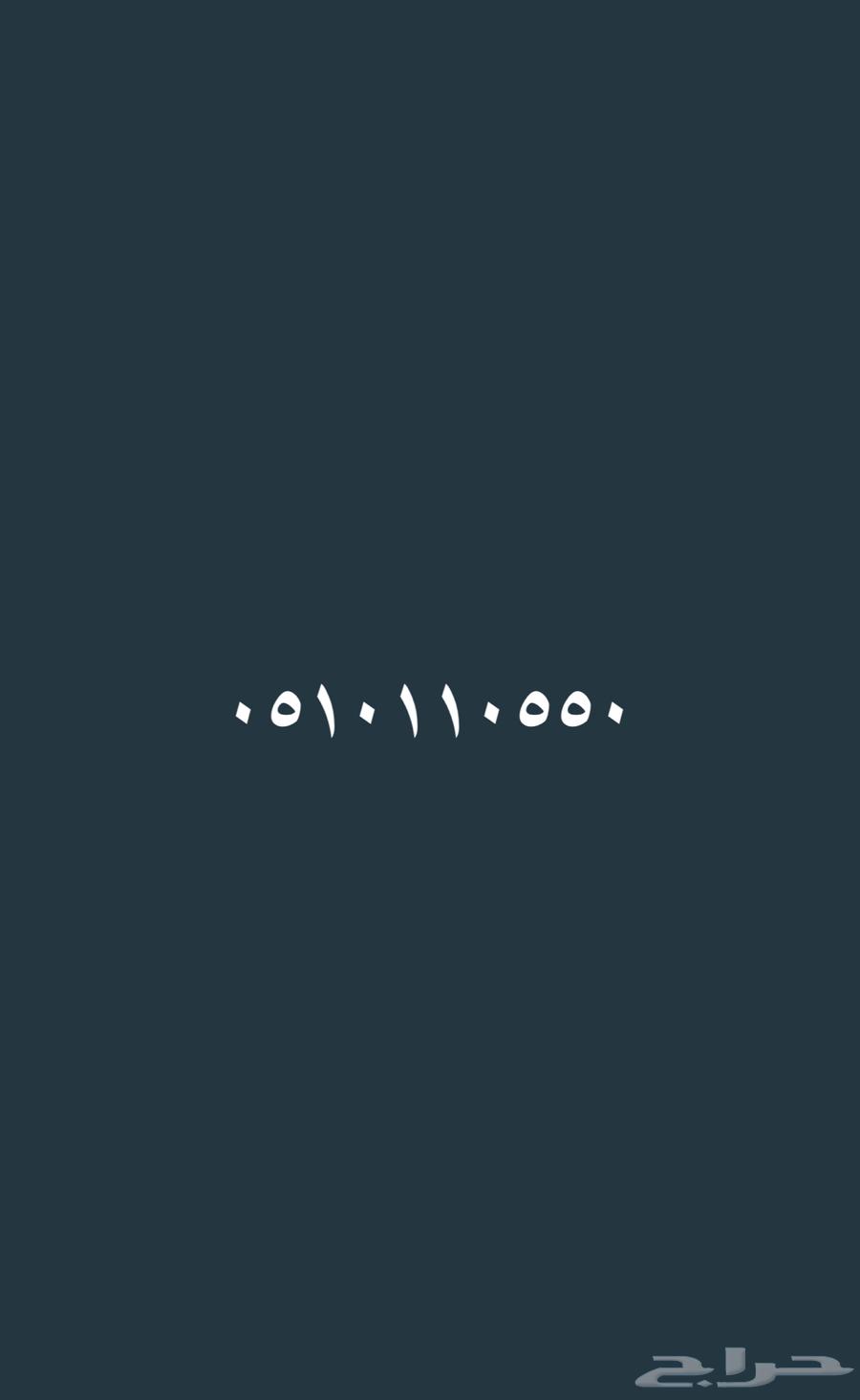
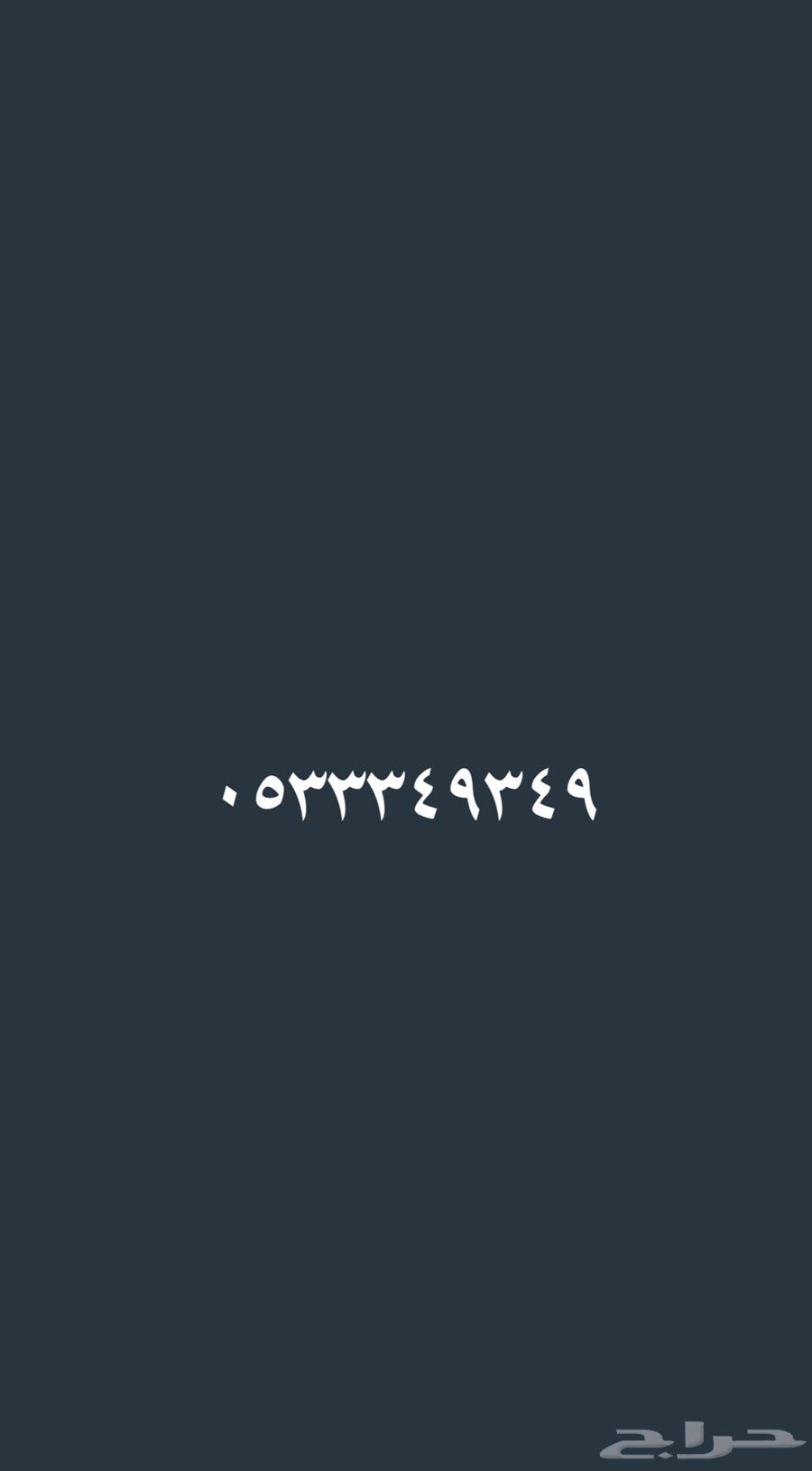
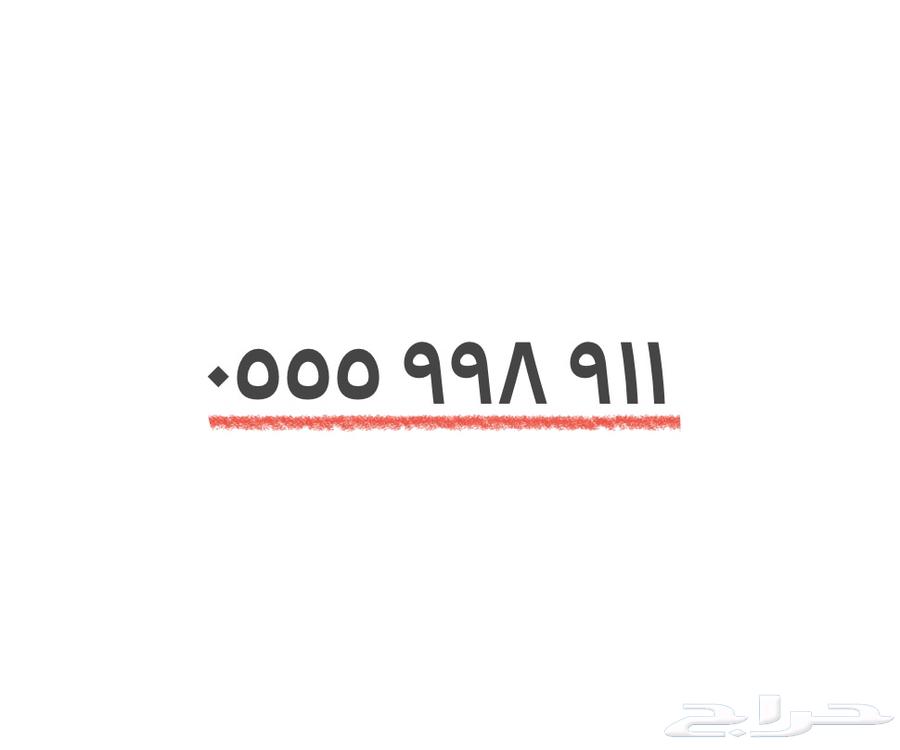
‏ ‏‎🔺 Numbers from Saudi Telecom Company (STC). 🔺 Numbers available for on-demand top-up or billing. 🔺 Transfer complies with the Communications and Information Technology Commission (CITC) regulations. 🔺 Transfer available to any city within the Kingdom. 🔺 Contact via WhatsApp only; private messages will be ignored. ‏‎🔺 We buy and sell distinctive numbers. ======================== (Mobile number appears upon clicking the Contact button) = 350 SAR (Mobile number appears upon clicking the Contact button) = 350 SAR (Mobile number appears upon clicking the Contact button) = 400 SAR (Mobile number appears upon clicking the Contact button) = 450 SAR (Mobile number appears upon clicking the Contact button) = 450 SAR (Mobile number appears upon clicking the Contact button) = 450 SAR (Mobile number appears upon clicking the Contact button) = 450 SAR (Mobile number appears upon clicking the Contact button) = 500 SAR (Mobile number appears upon clicking the Contact button) = 500 SAR (Mobile number appears upon clicking the Contact button) = 500 SAR (Mobile number appears upon clicking the Contact button) = 500 SAR (Mobile number appears upon clicking the Contact button) = 500 SAR (Mobile number appears upon clicking the Contact button) = 500 SAR (Mobile number appears upon clicking the Contact button) = 500 SAR (Mobile number appears upon clicking the Contact button) = 500 SAR (Mobile number appears upon clicking the Contact button) = 500 SAR (Mobile number appears upon clicking the Contact button) = 500 SAR (Mobile number appears upon clicking the Contact button) = 500 SAR (Mobile number appears upon clicking the Contact button) = 500 SAR (Mobile number appears upon clicking the Contact button) = 500 SAR (Mobile number appears upon clicking the Contact button) = 500 SAR (Mobile number appears upon clicking the Contact button) = 500 SAR (Mobile number appears upon clicking the Contact button) = 500 SAR (Mobile number appears upon clicking the Contact button) = 550 SAR (Mobile number appears upon clicking the Contact button) = 600 SAR (Mobile number appears upon clicking the Contact button) = 600 SAR (Mobile number appears upon clicking the Contact button) = 600 SAR (Mobile number appears upon clicking the Contact button) = 600 SAR (Mobile number appears upon clicking the Contact button) = 600 SAR (Mobile number appears upon clicking the Contact button) = 650 SAR (Mobile number appears upon clicking the Contact button) = 650 SAR (Mobile number appears upon clicking the Contact button) = 700 SAR (Mobile number appears upon clicking the Contact button) = 700 SAR (Mobile number appears upon clicking the Contact button) = 800 SAR (Mobile number appears upon clicking the Contact button) = 800 SAR (Mobile number appears upon clicking the Contact button) = 1000 SAR (Mobile number appears upon clicking the Contact button) = 1000 SAR ================== Contact via WhatsApp / (Mobile number appears upon clicking the Contact button)


haraj
haraj