Browse





···
Log in / Register
 Favourites
 Share
Share GAPD7341، 7341 ام كلثوم بنت الرسول، 3454, As Suways, Jizan 82613, Saudi Arabia
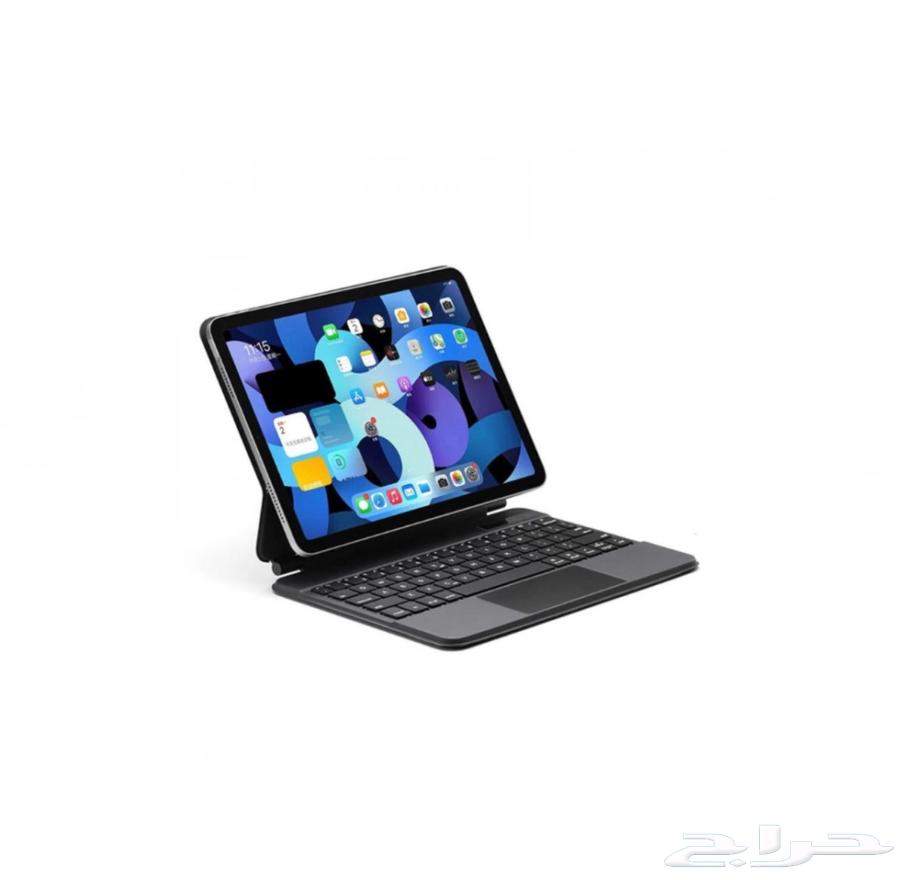
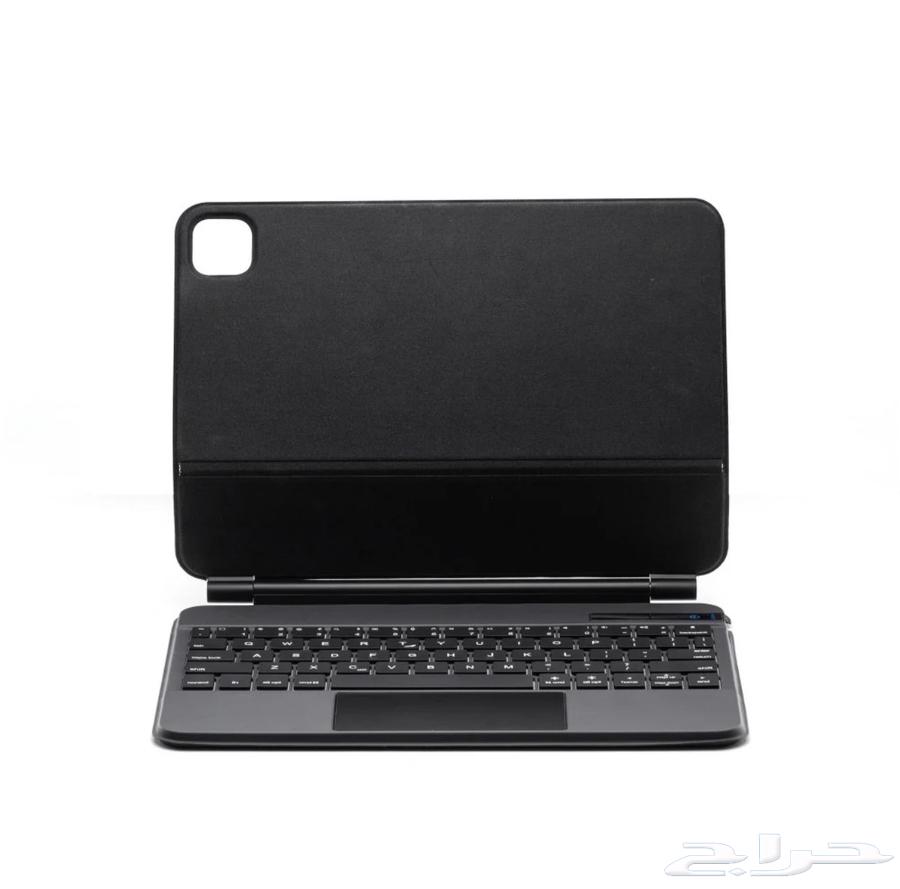
Apple Magic Keyboard Alternative | Arabic - English Features | [Best alternative to Apple Magic Keyboard] Design, quality, and performance nearly 90% identical to Apple Magic Keyboard, with additional features not available in the original Apple Magic Keyboard [Touchpad] Allows you to perform several commands, most importantly | Open and close applications Take screenshots Switch between applications [Power On/Off] Automatic connection after initial keyboard setup via Bluetooth [Strong adhesive magnet] Contains a very strong magnet for securely attaching the iPad [Volume control support] Adjust volume using the keyboard by pressing fn + volume button [Brightness control support] Adjust iPad screen brightness using the keyboard by pressing fn + brightness button [Video speed control support] Increase video playback speed using the keyboard by pressing fn + speed button [Video switching support] Switch between videos using the keyboard [USB-C charging port] Compatibility | Compatible with iPad Pro 2018 and later, iPad Air 2020 and later Includes side display for the following models | 10th generation, iPad Air 11-inch 2024 and earlier, Pro 2022 and earlier May come without side display for | iPad Air 13-inch, Pro 12.9-inch First-time usage and setup | [Keyboard pairing method with iPad] Open the keyboard - Press fn + c - Go to Bluetooth settings - Select iPad Keyboard [Keyboard settings configuration] Settings - General - Keyboard - Add New Keyboard - Arabic - Arabic PC General - Keyboard - External Keyboard - Auto Control + Space
 Show map